Sort automatically
Everyday items are placed into useful categories such as fruit and veg, dairy, meat and household as you add them.
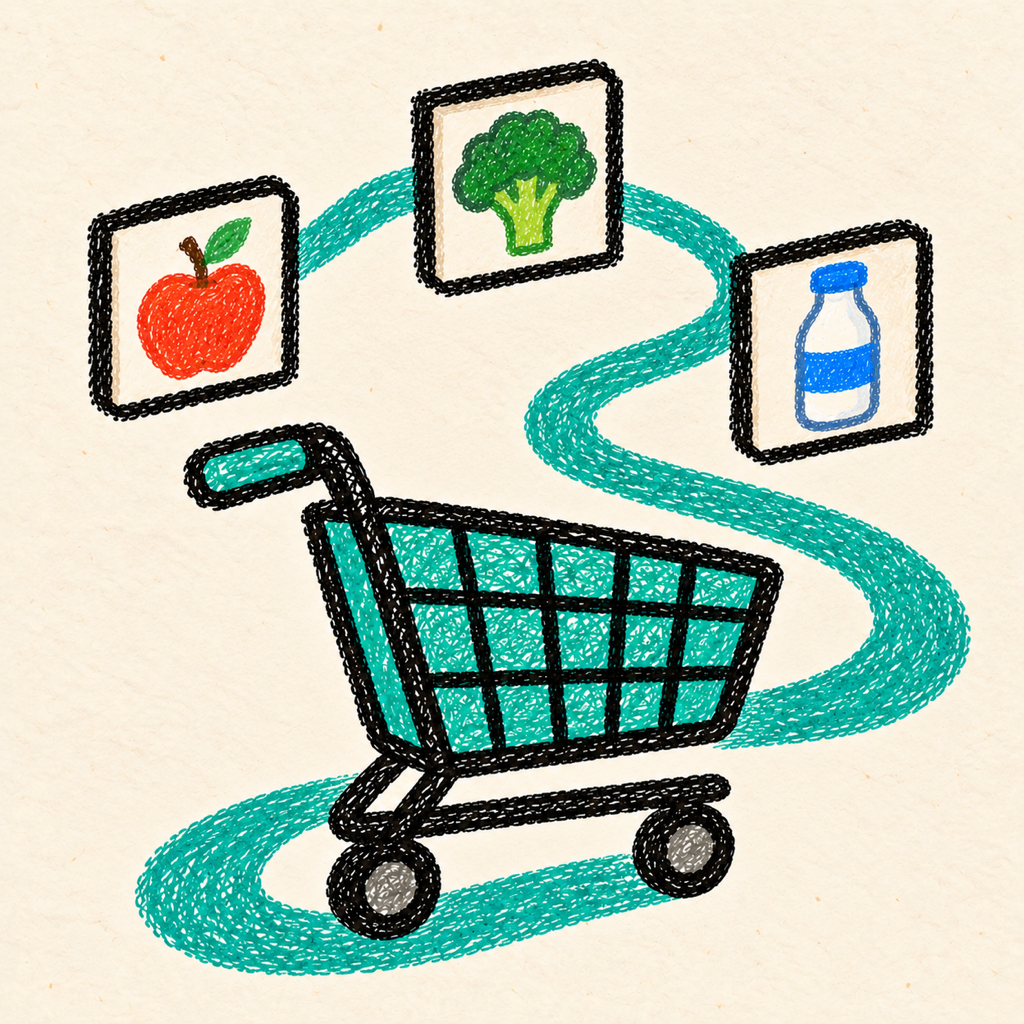
Smart shopping list
A shopping list that organises itself around the way you actually move through the supermarket.
Add everything in one place, let Shopstride sort it into sections, then arrange those sections to match your local supermarket.
Everyday items are placed into useful categories such as fruit and veg, dairy, meat and household as you add them.
Drag categories into the order you meet them in the aisles and save different layouts for the supermarkets you use.
If an item lands in Other, move it once. Shopstride remembers your choice for the next time you add it.
Common questions
Your lists, category choices, saved layouts and preferences are stored locally on your device. Shopstride does not require an account or send your shopping list to Apps by Lewis.
Shopstride recognises common shopping items and places them into a suitable category. An unrecognised item goes into Other, where you can change its category and teach the app for next time.
Press and hold the grab handle beside a category, then drag it into the order that matches your route around the shop.
Shopstride Pro is a one-time App Store purchase that unlocks unlimited supermarket layouts, unlimited custom categories and removes advertising.
Open the Shopstride Pro screen and choose Restore previous purchase while signed into the same Apple Account used for the original purchase.
Shopstride stores its information locally and does not currently provide its own cloud-sync service. Uninstalling the app may permanently remove your lists and saved layouts.
Email Lewis with the problem and the device/iOS version you are using.